


















































































































































































































































































































































































































































































































































































































































































































































































































































































































































































































































































































































































































































































































































































































































































































































































































































































































































































































































































































































































































































































PowerPoint Download for Trainers and Educators: Building Interactive Learning Modules

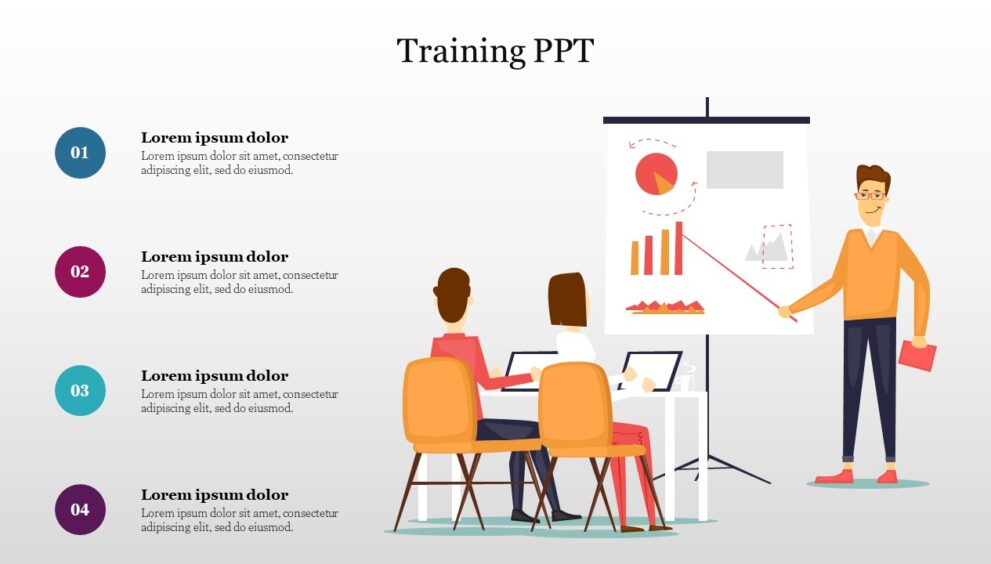
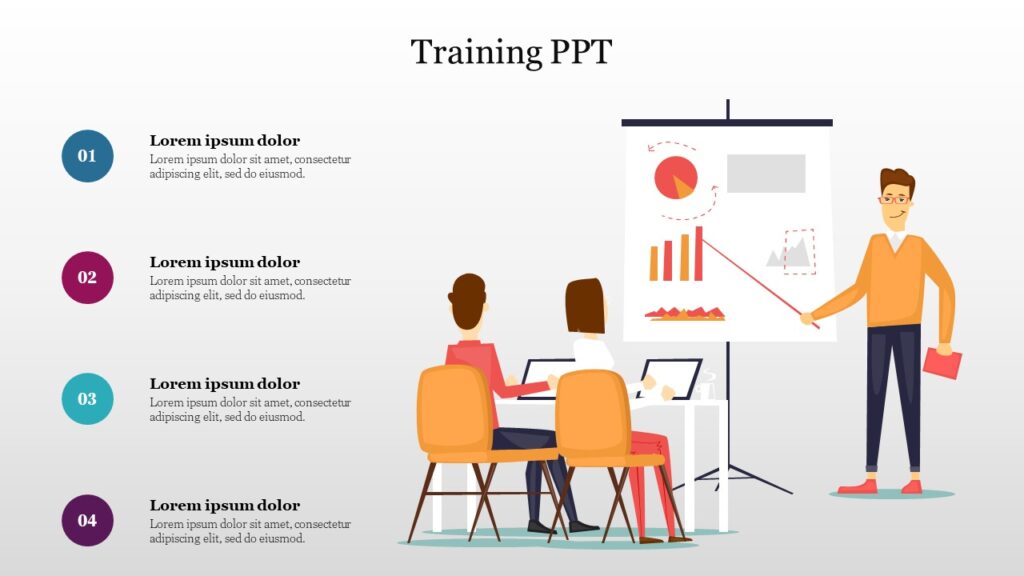
The days of standing at the front of a classroom reading bullet points to a disengaged audience are over. Modern learners—whether in a corporate training room or a university lecture hall—expect interaction. They want to participate, explore, and engage.
For trainers and educators, Microsoft Powerpoint Download remains the most accessible and powerful tool for creating these dynamic learning experiences. And with the right download and a few advanced techniques, you can transform static slides into interactive modules that captivate your audience and enhance knowledge retention.
This guide explores how trainers and educators can download PowerPoint, leverage its interactive features, and build learning modules that truly make an impact.
Why PowerPoint Is the Ultimate Tool for Educators
PowerPoint has evolved far beyond simple slideshows. The latest versions, available through Microsoft 365 subscriptions, are packed with features specifically useful for educators and corporate trainers.
Unlike specialized e-learning software that requires weeks of training, PowerPoint is familiar and intuitive. You can start building immediately. Yet it offers surprising depth. With built-in screen recording, quiz creation tools, and seamless multimedia integration, PowerPoint allows you to create professional training materials without leaving the application.
For schools and organizations operating on tight budgets, this is a game-changer. You do not need expensive third-party software. You already have access to one of the world’s best authoring tools.
How Trainers Can Download PowerPoint for Free
Before building interactive modules, you need access to the full version of PowerPoint. Fortunately, there are legitimate ways for educators and trainers to get it without cost.
If you work for an educational institution, you likely qualify for the free education edition. This provides the complete desktop applications, including PowerPoint, at no charge. Simply use your work email address to verify your status through the official Microsoft education portal.
Corporate trainers should check with their IT departments. Many organizations include Microsoft 365 as part of their standard software package. If not, a subscription is a worthwhile investment considering the production value it enables.
For those who need immediate access, the web version of PowerPoint is free for anyone with a Microsoft account. While it lacks some advanced features, it is perfect for quick edits and collaboration.
Start with Structure: Planning Your Learning Module
Great interactive modules begin with Microsoft 365 Product Key structure. Before opening PowerPoint, take time to map out your learner’s journey.
Consider your learning objectives. What should participants know or be able to do after completing your module? Break this down into clear sections. A typical interactive module might include an introduction, core content sections with knowledge checks, a summary, and an assessment.
Think about engagement points. Where can you ask a question? Where can learners make a choice? Where can they explore additional information? Planning these moments in advance ensures your interactivity feels intentional rather than forced.
PowerPoint’s section feature helps organize this structure. Use collapsible sections to manage longer modules and maintain a clear overview of your content flow.
Using Hyperlinks to Create Non-Linear Navigation
The simplest way to make PowerPoint interactive is through hyperlinks. They transform a linear presentation into a choose-your-own-adventure style experience.
Create a main menu slide with buttons for each module section. When learners click a button, they jump directly to that content. At the end of each section, include a “Return to Menu” button. This empowers learners to control their pace and revisit topics as needed.
Hyperlinks can also create branching scenarios. Present a workplace situation, then offer two or three decision options. Link each option to a slide showing the consequences of that choice. This creates realistic practice opportunities without any programming knowledge.
To add a hyperlink, simply select any object—text, shape, or image—right-click, and choose “Link.” Select “Place in This Document” and choose your destination slide.
Incorporating Quizzes with Built-In Tools
Knowledge checks are essential for learning. They confirm understanding and help information move from short-term to long-term memory. PowerPoint now includes features specifically for creating quizzes.
In recent versions, you can insert multiple-choice questions directly into your slides. These function like traditional quizzes, allowing learners to select answers and receive immediate feedback. You can customize the response slides to explain why an answer is correct or incorrect.
For simpler checks, use hyperlinks creatively. Present a question with clickable answer choices. Link correct answers to a “Well done” slide and incorrect answers to a “Review this topic” slide. This gamified approach encourages active participation.
These embedded assessments transform passive viewing into active learning, dramatically improving engagement and retention.
Embedding Video and Screen Recordings
Video is one of the most powerful tools for trainers. It demonstrates procedures, captures attention, and accommodates different learning styles. PowerPoint makes video integration seamless.
You can embed videos directly into your slides, ensuring they play smoothly without switching applications. Format options let you customize the appearance, adding borders, shapes, or even playing video inside shapes.
Even better, PowerPoint includes a screen recording feature. This is perfect for software training. Record your screen as you demonstrate a process, complete with voice narration. The recording embeds directly into your slide, creating instant training content. Learners can watch, pause, and replay as needed.
For flipped classroom models, record your lecture as a video with accompanying slides. Learners watch independently, freeing class time for discussion and application.
Adding Accessibility Features for All Learners
Inclusive design benefits everyone. PowerPoint offers robust accessibility features that ensure all learners can access your content.
The Accessibility Checker scans your presentation and identifies potential issues. It flags missing alt text on images, poor color contrast, and slides without proper headings. Fixing these issues makes your module usable for learners with visual impairments or other disabilities.
Subtitles and captions can be added to video content. This supports learners who are deaf or hard of hearing, as well as those working in sound-sensitive environments or learning in a non-native language.
The Immersive Reader tool helps learners with reading difficulties. It can read text aloud, adjust spacing, and break words into syllables. Simply make your slides available to learners afterward so they can use these tools independently.
Exporting and Sharing Your Interactive Modules
Once your interactive module is complete, you need to share it effectively. PowerPoint offers several options depending on your delivery method.
For in-person training, simply present directly from PowerPoint. All interactive elements function as designed.
For self-paced e-learning, export your presentation as a PowerPoint Show file. This opens directly in slideshow mode, so learners cannot accidentally edit your content. Interactive elements like hyperlinks continue working perfectly.
For learners without PowerPoint, export as a video. Record your narration and slide timings, then save as an MP4 file. While hyperlinks become inactive, the video format ensures universal access.
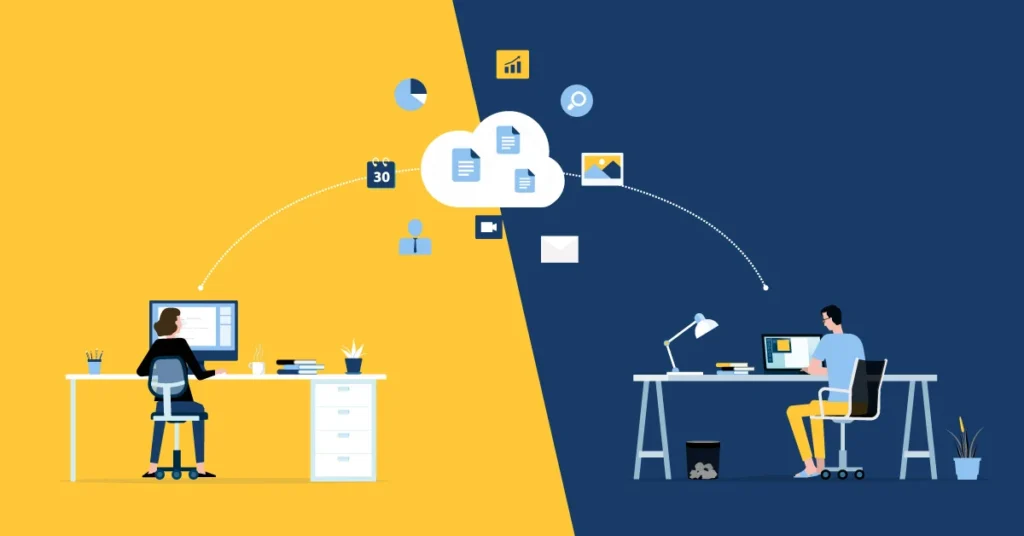
Consider uploading to your learning management system or sharing via cloud storage with viewing links. This gives learners on-demand access to reference your materials whenever needed.
Conclusion
For trainers and educators, PowerPoint is the hidden gem of interactive learning design. With tools for non-linear navigation, embedded quizzes, video integration, and accessibility, it rivals expensive specialized software at a fraction of the cost.
Download the full version through your institutional account or organization. Start with clear structure, add interactivity thoughtfully, and always test your modules before deployment. Your learners will thank you with higher engagement, better retention, and genuine enthusiasm for your training.